Discord Update Failed
Get Discord's updater moving again with safe process, connection, and reinstall checks.
On this page
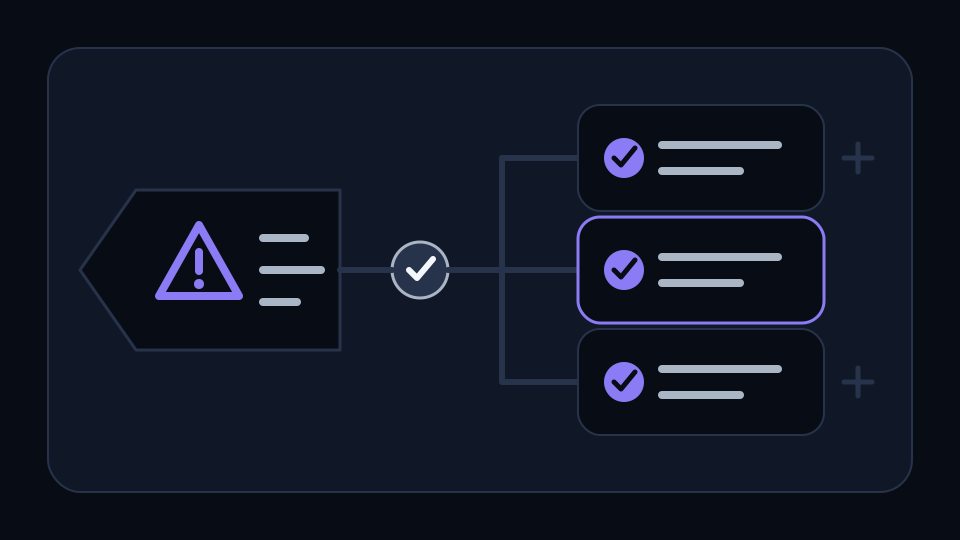
An update loop can be caused by a stuck process, a temporary network failure, or damaged updater files. Fully close Discord, check the connection, and try the updater again after a restart.
Use a clean retry
If the loop continues, download the current installer from Discord and run it over the existing installation before removing local app data.
Related guides
Continue with another practical explanation from the guide index.
How to Fix Discord Screen Share Black Screen
Work through the most reliable checks when Discord streams audio but shows a black or frozen picture.
Discord Won't Open
Clear a stuck Discord process and check the common reasons the desktop app refuses to launch.
Discord No Route Error
Check network, VPN, firewall, and voice-region issues behind Discord's No Route message.