
Server Management
How to Make an Announcement Channel on Discord
Learn how to create an Announcement Channel on Discord, configure permissions, publish updates, let other servers follow announcements, and fix common setup problems.
Hands-on guidance for roles, permissions, moderation, channels, and the systems that keep a Discord server organized.
7 guides in this sectionShort, practical explanations designed to help you finish the task and move on.
Learn how to create an Announcement Channel on Discord, configure permissions, publish updates, let other servers follow announcements, and fix common setup problems.

Learn how to transfer ownership of a Discord server safely, what changes after the transfer, what permissions the new owner receives, and what to check before handing over control.

Learn how to set up Discord AutoMod, create keyword and spam rules, choose moderation actions, configure exemptions, and test your server settings safely.
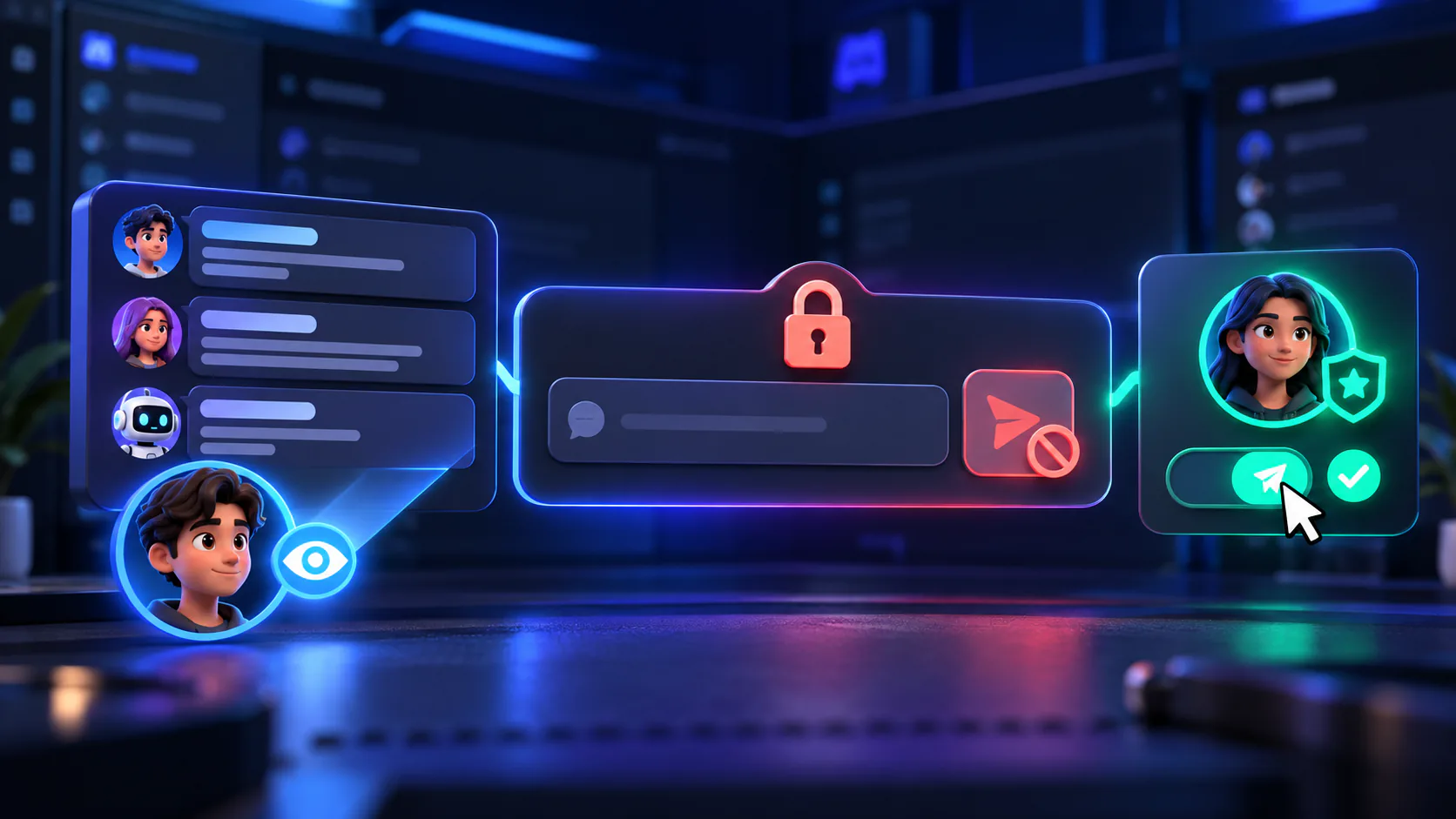
Learn how to make a Discord channel read only, control who can send messages, configure role permissions, and avoid common permission mistakes.
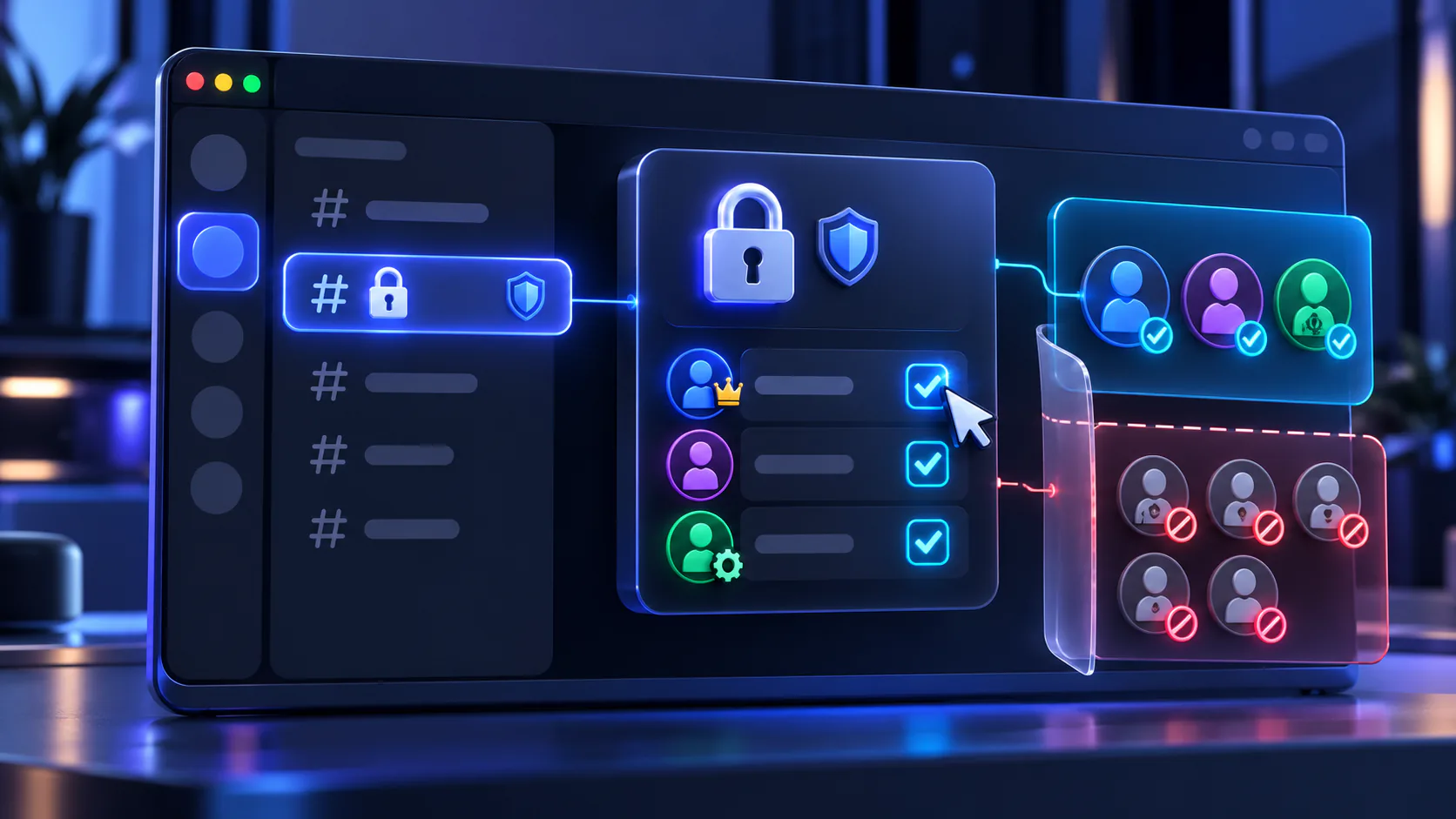
Learn how to make a private Discord channel, choose who can view or use it, configure role and member permissions, and avoid common access mistakes.
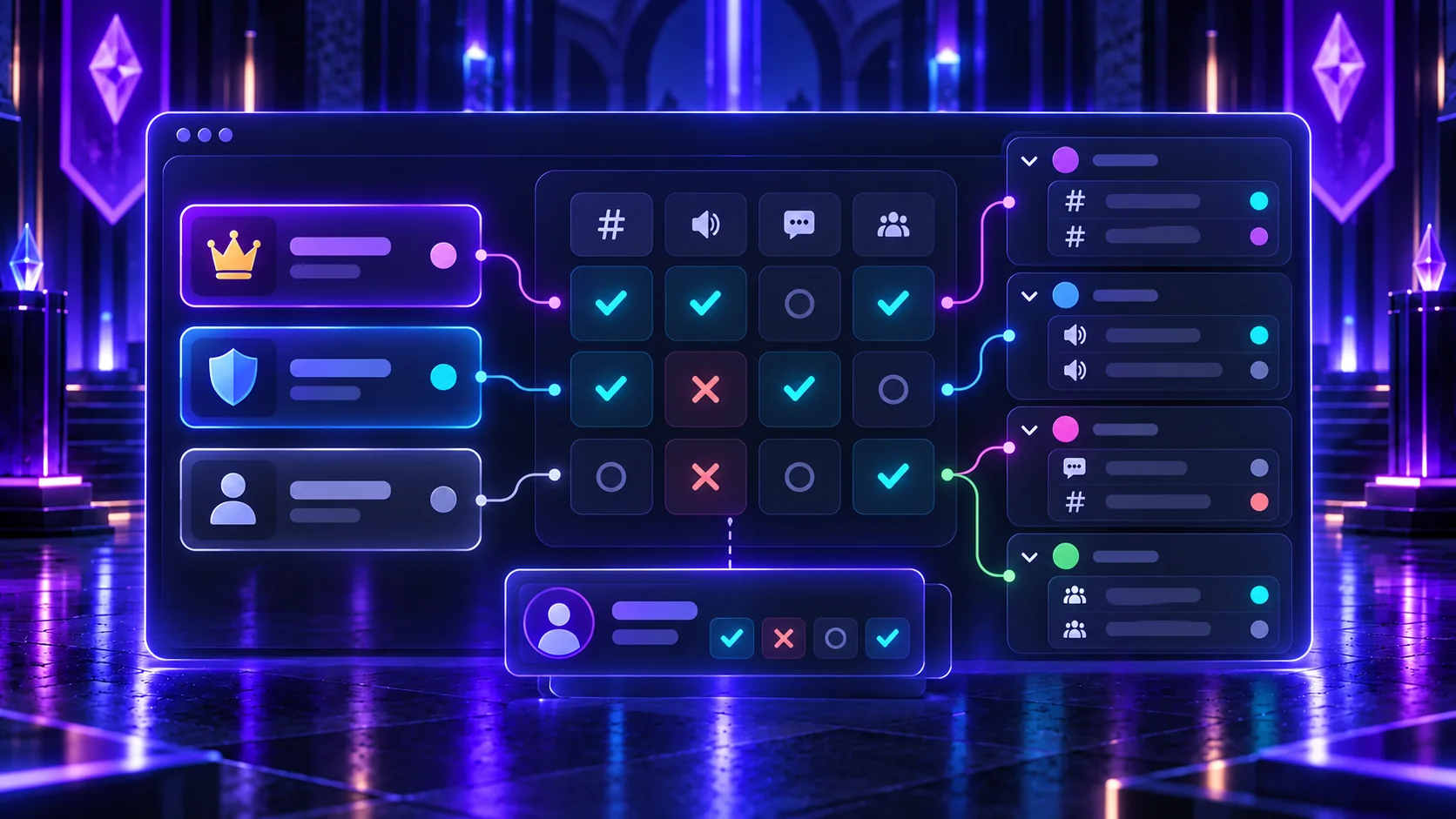
Understand Discord permissions, including @everyone, role permissions, channel overrides, Administrator, role hierarchy, private channels, and common setup mistakes.
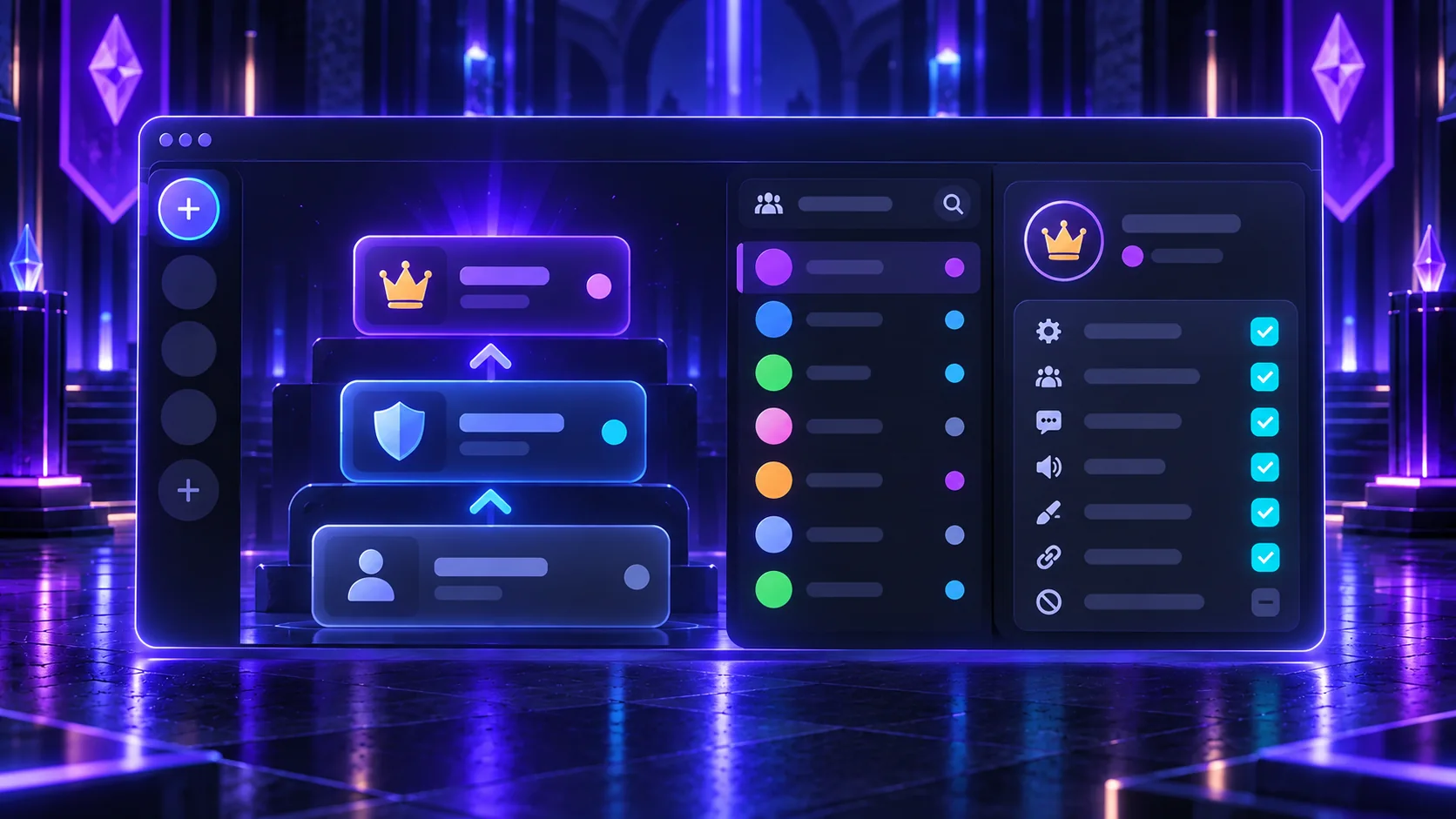
Learn how to create Discord roles, assign them to members, manage role hierarchy, colors and permissions, organize bots, and avoid common role setup mistakes.