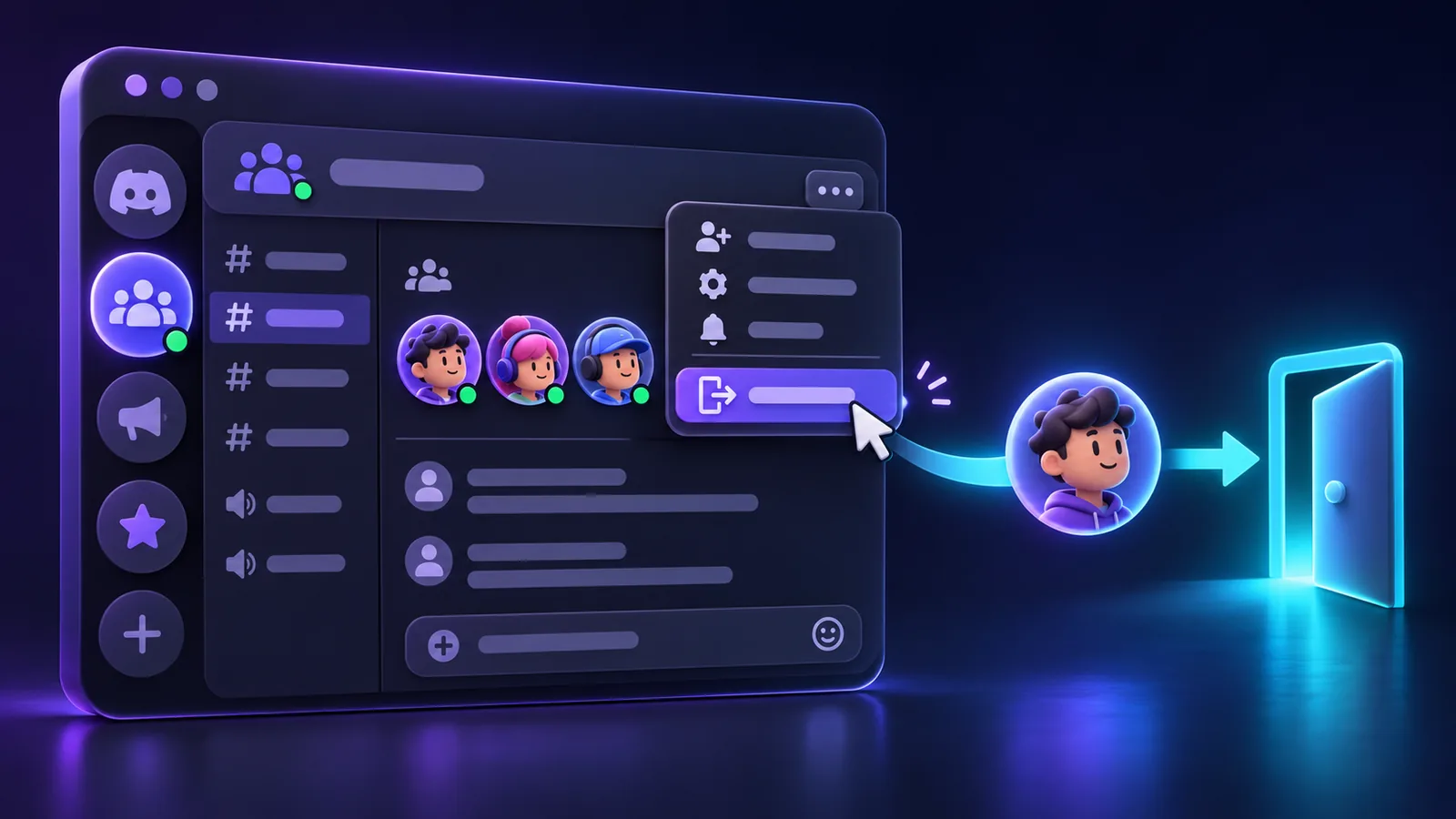
Guides
How to Leave a Discord Server
Learn how to leave a Discord server on desktop and mobile, what happens after you leave, how to leave a server you own, and whether you can join again later.
Clear walkthroughs for using Discord, setting up the essentials, and getting everyday tasks done without guesswork.
6 guides in this sectionShort, practical explanations designed to help you finish the task and move on.
Learn how to leave a Discord server on desktop and mobile, what happens after you leave, how to leave a server you own, and whether you can join again later.
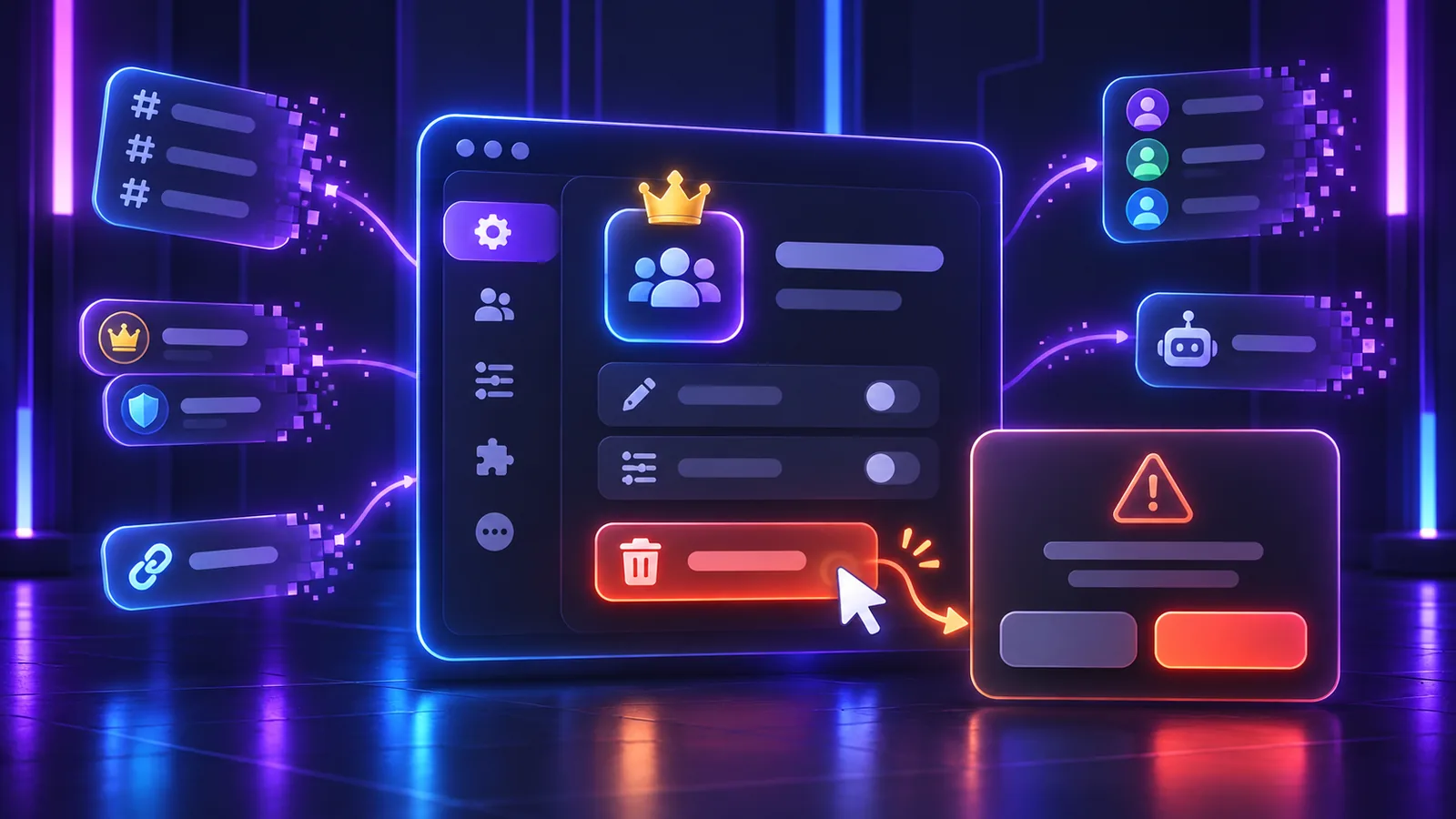
Learn how to delete a Discord server on desktop and mobile, what happens to channels and members, how ownership affects deletion, and what to check before deleting a server permanently.
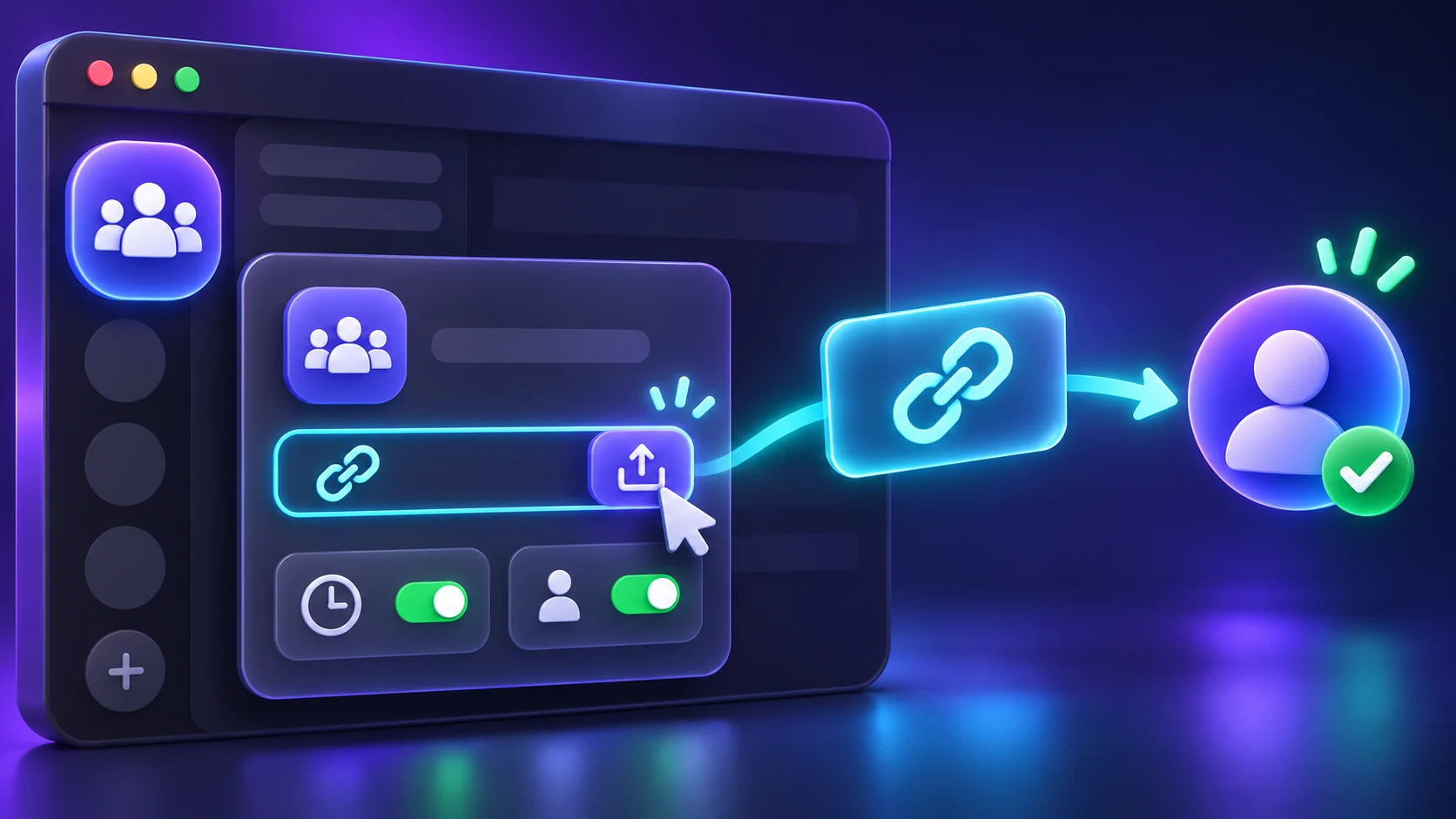
Learn how to create a Discord invite link, choose expiration and usage limits, make permanent invites, revoke old links, and troubleshoot invite problems.

Learn how to enable Developer Mode on Discord desktop and mobile, copy user, server, channel, role, and message IDs, and understand what Developer Mode actually does.
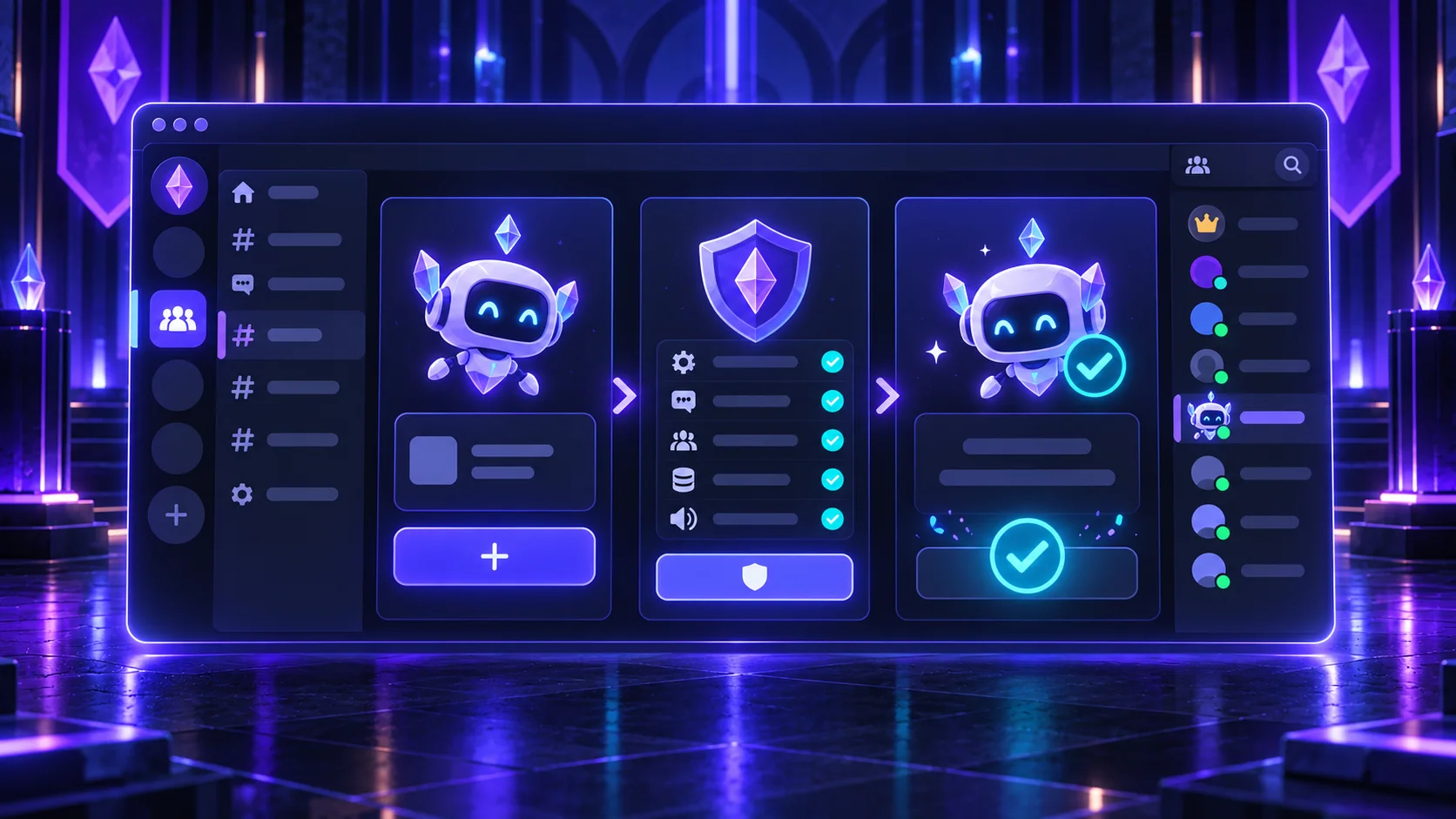
Learn how to add a bot to a Discord server safely, authorize the app, review permissions, manage its role, test commands, and remove it if needed.
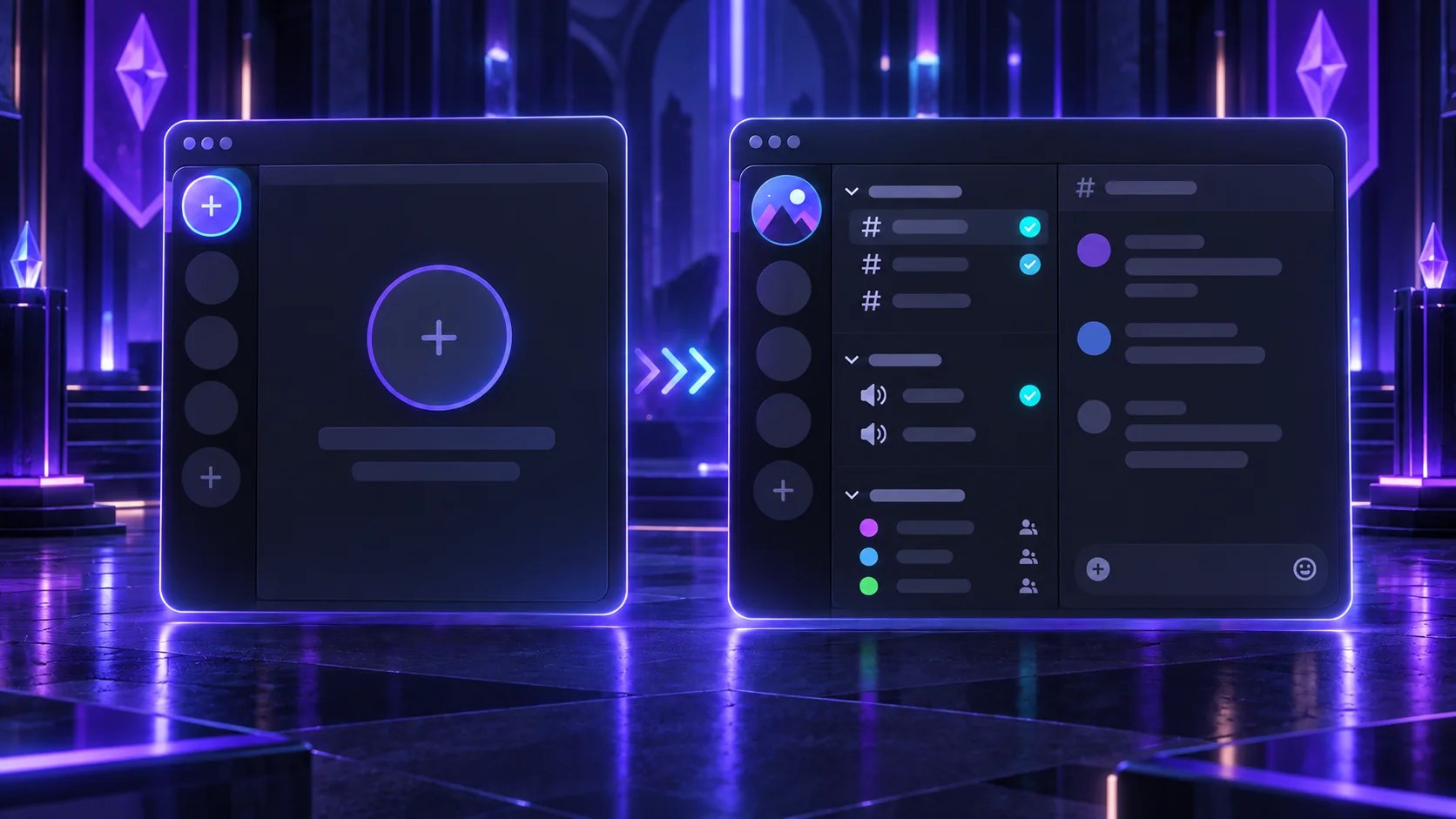
Learn how to create a Discord server on desktop or mobile, choose a template, add channels and roles, adjust permissions, invite members, and set up the server properly.