How to Delete a Discord Server
Learn how to delete a Discord server on desktop and mobile, what happens to channels and members, how ownership affects deletion, and what to check before deleting a server permanently.
On this page
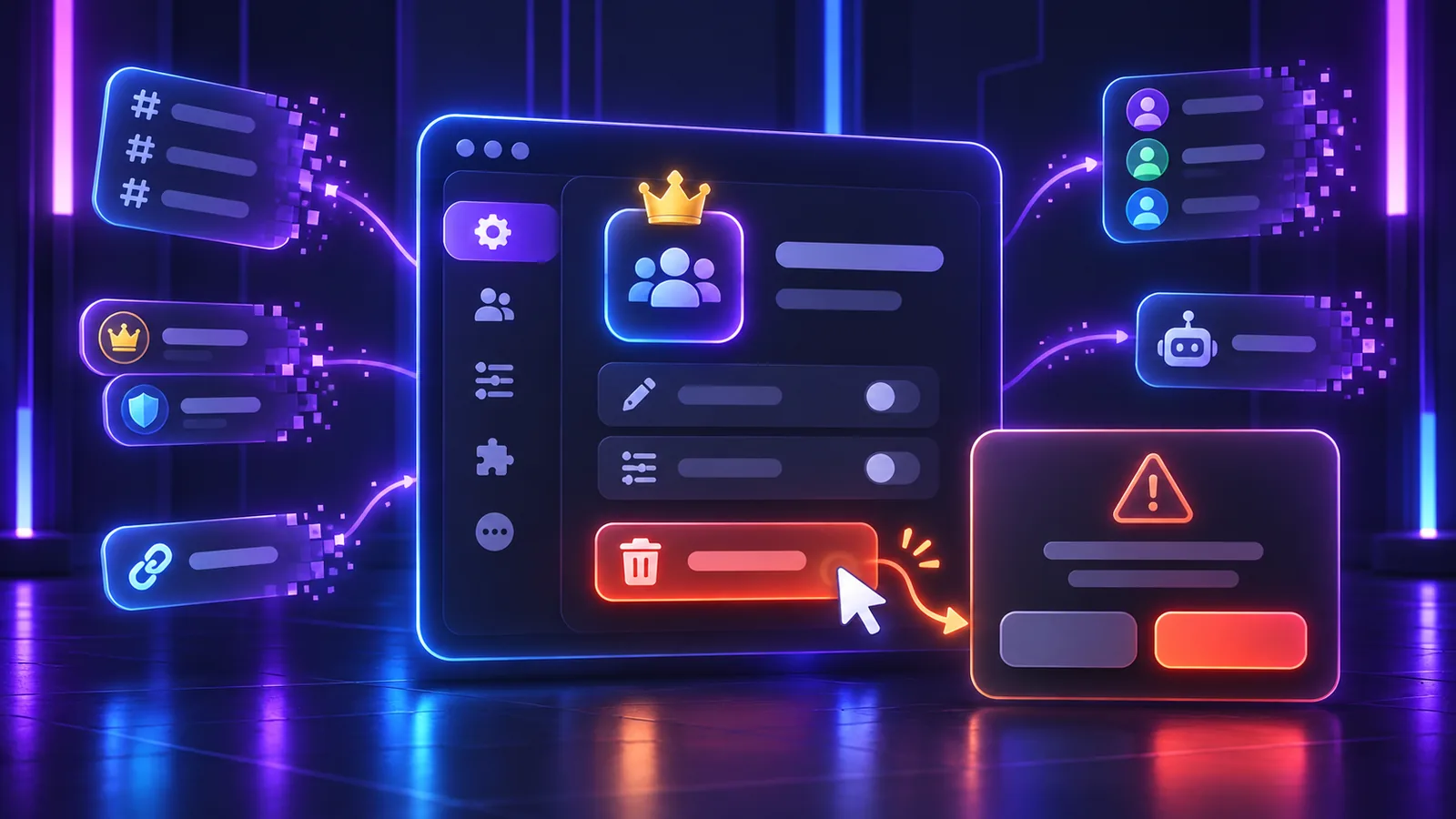
Deleting a Discord server is a permanent owner-level action. It removes the server for everyone and is not the same as leaving a server, transferring ownership, removing a member, or deleting one channel.
Only delete a server when you are certain the entire community and its server-side structure should go. Discord says a deleted server cannot be restored, including its member list and messages.
What Happens When You Delete a Discord Server?
The server disappears from Discord and members lose access because there is no longer a server to open. Its server-scoped structure is no longer available, including:
- text, voice, announcement, forum, and other server channels;
- messages and other content inside those channels;
- roles, permission rules, and member assignments;
- the member list and server settings;
- custom emojis, stickers, and other server-specific resources;
- invite links associated with the server; and
- the server context used by bots and integrations.
Discord’s official server deletion guide specifically says the server cannot be restored and that its member list and messages cannot be recovered. That is why deletion should not be treated as a cleanup shortcut.
This does not mean every third-party service automatically erases data it previously received. A bot provider, integration dashboard, or external logging service has its own storage and privacy practices. Deleting the Discord server removes that server as a live Discord context; contact the external provider about data it controls.
Discord’s data retention explanation says deleted content is no longer available to other users, while cached uploads may take time to clear and legal obligations can require longer retention. Do not interpret server deletion as a promise about every cache or legally retained record.
Who Can Delete a Discord Server?
Only the server owner can delete the server. Discord states that this remains true regardless of the permissions held by other members.
Ownership is an account-specific status, not a role permission. A member with Administrator, Manage Server, the highest staff role, or every ordinary permission is still not the owner. If the community should continue under someone else, use How to Transfer Discord Server Ownership instead of deleting it.
How to Delete a Discord Server on Desktop or Web
Discord documents the desktop workflow through Server Settings. The current web client uses the same general server settings path, although Discord’s help article labels its instructions for the desktop app.
- Open the server you own.
- Select the server name or right-click it to open the server menu.
- Open Server Settings.
- Scroll through the settings and select Delete Server.
- Read the warning and verify that you selected the correct server.
- Complete the confirmation Discord requests.
Discord currently documents two desktop confirmation paths. If multi-factor authentication is enabled on the owner’s account, Discord requests an MFA code. Without MFA, Discord asks the owner to type the server name before confirming deletion. Follow the prompt shown in your official Discord client; never send the code or account credentials to another person.
If the browser interface does not match the documented controls, update or refresh Discord, or use the current desktop app. Do not use a browser console, script, unofficial client, or third-party deletion tool.
How to Delete a Discord Server on Mobile
Discord’s current mobile path differs from the desktop menu:
- Open the server you own.
- Tap the three-dot control beside the server name.
- Tap Settings.
- Open Overview.
- Scroll down and select Delete Server.
- Review and complete the confirmation shown by Discord.
If MFA is enabled on the owner’s account, Discord says the mobile app asks for an MFA code. Without MFA, its current guide describes a Yes-or-No deletion confirmation. Enter an MFA code only inside the legitimate Discord app prompt and never share it with another person.
Button placement can change between app versions. The durable path is the owned server’s settings, then its overview or server-management area, followed by Discord’s native deletion control.
Why Can’t I See the Delete Server Option?
The most common reason is that you are not the server owner. Administrator permission does not reveal an owner-only deletion control.
Discord also documents a security case: if the server requires 2FA for certain moderation actions but the owner’s account does not have 2FA enabled, the owner cannot delete the server until the account meets that requirement. Confirm that you are signed in to the owning account and use Discord’s normal account-security settings. Do not ask another person to log in as the owner.
Is Deleting a Discord Server Permanent?
Yes. Discord warns that deletion cannot be undone once completed. There is no recycle bin, grace-period restore button, or owner-side undo flow in its current documentation.
Treat the final confirmation as the last opportunity to stop. Check the server name, owner account, important content, and alternatives before proceeding.
Can You Recover a Deleted Discord Server?
No standard recovery process exists. Discord explicitly says a deleted server cannot be restored and answers its own accidental-deletion FAQ with “No.” It also says the member list and messages cannot be recovered.
Do not delete first and plan to ask Support for a rollback later. Discord’s published guidance does not promise one.
Delete Server vs Leave Server
These actions have very different scopes:
- Delete server: removes the server itself for everyone and requires ownership.
- Leave server: removes only your membership; the server continues for its owner and remaining members.
- Transfer ownership: keeps the existing server but makes another member its owner.
- Remove a member: removes that one member from the server without deleting the server.
- Delete a channel: removes one channel, not the entire server.
If your goal is simply to stop participating, do not choose Delete Server.
What If You Want to Leave but You Own the Server?
Transfer ownership to a trusted existing member first. Verify that the recipient is now shown as the owner, then leave as an ordinary member if you still want to go.
An ownership transfer is itself a serious action: Discord says the previous owner cannot rely on Support to transfer it back. Confirm the recipient and review staff access before completing it.
Can an Administrator Delete a Discord Server?
No. Administrator grants broad server permissions and bypasses normal channel restrictions, but it does not make the member the owner and does not grant the owner-only ability to delete the server.
Role names such as Owner, Founder, or Head Admin do not change this. Read Discord Permissions Explained for the difference between roles, Administrator, hierarchy, and actual ownership.
Can I Delete a Discord Server If I’m Not the Owner?
No. Ask the owner to decide whether the server should be deleted, transferred, or kept. Do not request their password, session, token, backup code, or MFA code, and do not use automation to imitate the owner’s action.
Discord has a limited Support process for some inactive-owner transfer requests, but that process transfers an eligible server; it does not give an administrator deletion authority.
What Happens to Server Members?
Members lose access to the deleted server and its channels. Their Discord accounts, other servers, direct messages, friends, and account subscriptions are not deleted merely because this one server is removed.
Notify active members before deletion when practical. That gives people time to understand the closure and save information they are legitimately allowed to keep.
What Happens to Bots and Integrations?
The deleted server no longer exists as a guild or server context for its bots, webhooks, and integrations. They cannot continue operating inside channels that no longer exist.
Deletion does not necessarily close a bot developer account, cancel an external service, erase an integration provider’s records, or revoke unrelated credentials used elsewhere. Review external dashboards and subscriptions separately, using each provider’s legitimate controls. Never share bot tokens or account credentials during cleanup.
What Happens to Invite Links?
Invite links cannot provide access to a server that no longer exists. Previously shared links therefore no longer function as an entry to that community.
If you only want to stop new members temporarily, pausing or removing invites is much less destructive than deleting the server.
What Happens to Server Boosts?
Server Boosts belong to the accounts that hold and apply them; they are not owned by the server owner. When the server is deleted, its Boost level and server perks disappear with that server.
Discord’s current Server Boosting FAQ lists deletion of the boosted server as a reason a boosting streak can stop. It tells users to reapply their Boosts to another server within 72 hours if they want to preserve the streak. Each booster should check their own Server Boost settings; the owner cannot move other users’ Boosts for them.
Deleting the server does not mean the owner purchased or controls the community’s Boost subscriptions. For how levels depend on active allocations, see Discord Server Boost Levels Explained.
What Happens to Custom Emojis, Stickers, Roles, and Channels?
These are server-specific resources. When the server is deleted, its channels, roles, custom emojis, stickers, permission setup, and related server configuration are no longer available as parts of that server.
This does not establish what may remain in a device cache or what Discord may retain for legal reasons. It also does not erase copies of a file that someone lawfully downloaded elsewhere before deletion.
Does Deleting a Discord Server Delete My Discord Account?
No. Server deletion and account deletion are separate actions in different settings areas. Deleting a server removes that server; it does not delete the owner’s Discord account or another member’s account.
Discord’s account-deletion process has its own confirmation, pending-deletion period, and consequences. Do not confuse the two warnings.
Does Deleting a Discord Server Cancel Nitro?
Deleting a server is not Discord’s Nitro cancellation process. Nitro is an account subscription managed separately through the account’s subscription settings.
Discord also treats Nitro, separately purchased Server Boosts, and Server Subscriptions as distinct products. Review User Settings > Subscriptions and the applicable billing platform instead of assuming server deletion cancels an unrelated recurring charge.
What to Check Before Deleting a Server
- Confirm that deleting the entire server is really necessary.
- Decide whether another member should receive ownership instead.
- Notify active members and staff when appropriate.
- Save important information you are authorized to retain; do not rely on later recovery.
- Record needed configuration for bots, integrations, moderation, and external services.
- Review Server Boost, Server Subscription, and other billing implications separately.
- Check whether old invite links or public pages should be removed or updated.
- Consider whether a private, archived, or read-only setup would meet the goal.
- Verify the exact server and owning account before the final confirmation.
Alternatives to Deleting the Server
- Transfer ownership if the community should continue without you.
- Archive old channels and keep them visible only where appropriate.
- Make announcement or archive channels read-only instead of erasing them.
- Restrict access to sensitive areas while you reorganize roles and channels.
- Remove only channels, roles, bots, or invites that are no longer needed.
- Temporarily pause new invitations or community activity.
- Create a new Discord server first if you need a clean replacement, then verify the new setup before deciding what to do with the old one.
None of these alternatives requires a password, token, browser script, self-bot, unofficial client, or mass-delete tool.
Common Server Deletion Mistakes
- Deleting the server when you only meant to leave it
- Assuming Administrator permission is the same as ownership
- Deleting before transferring ownership to a willing successor
- Expecting Discord Support to restore the server later
- Forgetting important messages, configuration, or community information
- Confusing server deletion with Discord account deletion
- Assuming server deletion cancels Nitro or every related subscription
- Sharing credentials or MFA codes to let someone else perform the action
- Selecting the wrong server because names or icons look similar
Frequently Asked Questions
How do I delete a Discord server?
If you are the owner, open Server Settings, choose Discord's Delete Server control, read the warning, and complete the requested server-name or MFA confirmation.
Can I delete a Discord server on mobile?
Yes. The owner can open the server menu, choose Settings, open Overview, scroll to Delete Server, and complete the confirmation shown by the current app.
Can an admin delete a Discord server?
No. Discord says only the server owner can delete it, regardless of another member's permissions. Administrator is not ownership.
Can I recover a deleted Discord server?
No. Discord says a deleted server cannot be restored and that its member list and messages cannot be recovered.
What happens to members when a server is deleted?
They lose access to that server and its channels. Their Discord accounts, other servers, direct messages, and friendships are not deleted by this server-level action.
Does deleting a server delete my Discord account?
No. Deleting a server and deleting a Discord account are separate actions with different settings and consequences.
What happens to Server Boosts if a server is deleted?
The deleted server loses its Boost level and perks. Discord tells affected boosters to reapply their Boosts within 72 hours if they want to preserve their boosting streak; each user manages their own Boosts.
Can I leave a Discord server if I am the owner?
Transfer ownership to a trusted member first, verify that the transfer succeeded, and then leave as an ordinary member if you no longer want to participate.
Should I transfer ownership instead of deleting the server?
Transfer ownership when the community should continue under someone else. Delete only when the server itself should permanently disappear for everyone.
Do old invite links still work after server deletion?
No. An invite cannot provide access to a server that no longer exists.
Related guides
Continue with another practical explanation from the guide index.
How to Leave a Discord Server
Learn how to leave a Discord server on desktop and mobile, what happens after you leave, how to leave a server you own, and whether you can join again later.
How to Create a Discord Invite Link
Learn how to create a Discord invite link, choose expiration and usage limits, make permanent invites, revoke old links, and troubleshoot invite problems.

How to Enable Developer Mode on Discord
Learn how to enable Developer Mode on Discord desktop and mobile, copy user, server, channel, role, and message IDs, and understand what Developer Mode actually does.