Nitro & Boosts
How to Boost a Discord Server: Step-by-Step Guide
Learn how to boost a Discord server, use Nitro Server Boosts, move existing boosts, and understand what happens when a boost ends.
9 min readPractical Discord tutorials, troubleshooting fixes, server management guides and Nitro & Boost explanations.
Search by task, error, or feature.
Type at least two letters to search the guide index.
No matching guide yet. Try a shorter phrase.
Start with the walkthroughs readers reach for when a setting, stream, or server needs attention.
Learn how to boost a Discord server, use Nitro Server Boosts, move existing boosts, and understand what happens when a boost ends.
9 min read
Fix a Discord screen share black screen with practical checks for capture settings, hardware acceleration, permissions, drivers, browser issues, and protected content.
9 min readFour focused sections cover everyday setup, stubborn errors, server operations, and paid Discord features.
Recently updated explainers from across the DiscordGuideHub index.
Learn how to leave a Discord server on desktop and mobile, what happens after you leave, how to leave a server you own, and whether you can join again later.
Learn how to delete a Discord server on desktop and mobile, what happens to channels and members, how ownership affects deletion, and what to check before deleting a server permanently.
Learn how to create a Discord invite link, choose expiration and usage limits, make permanent invites, revoke old links, and troubleshoot invite problems.
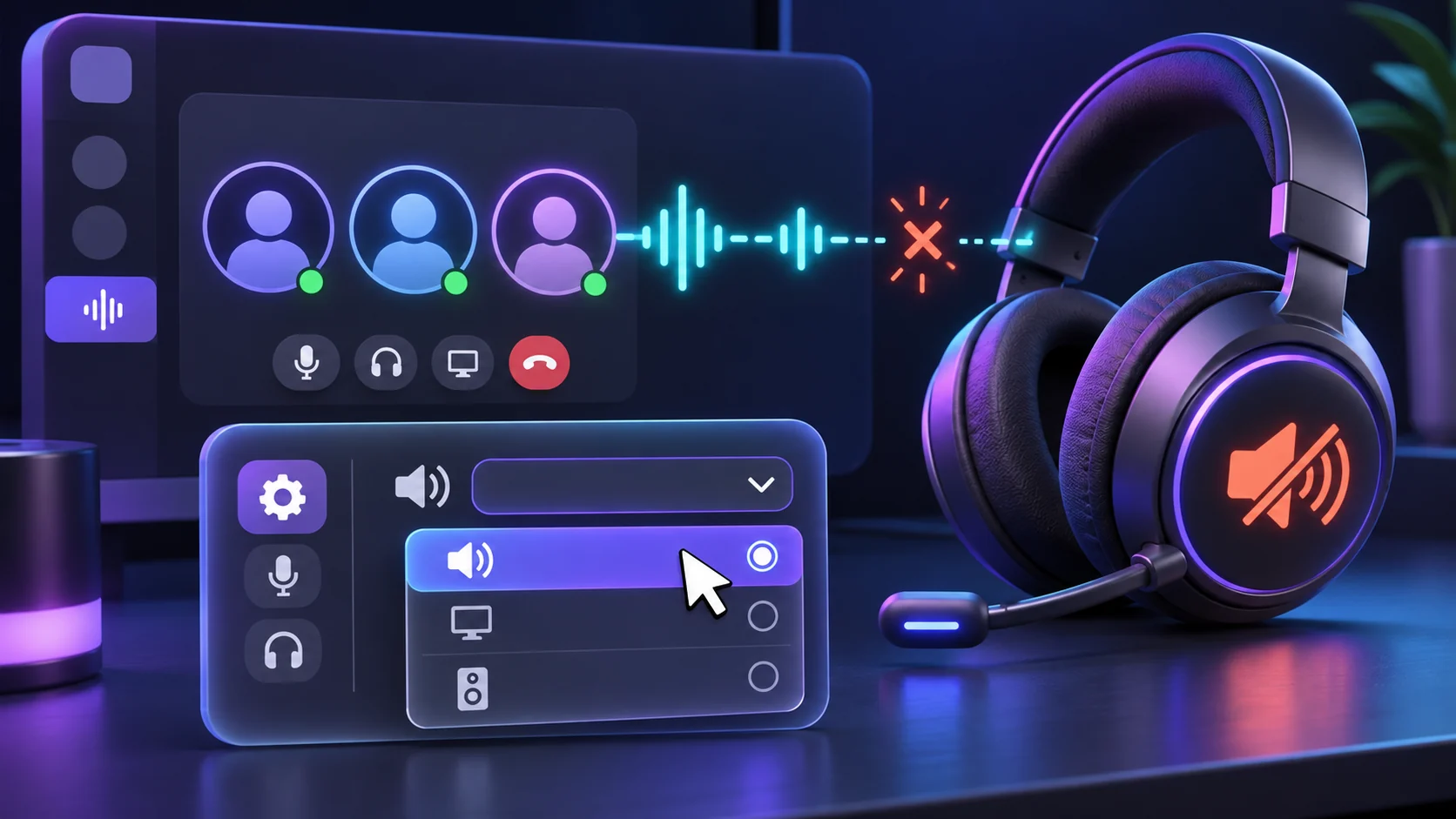
Fix Discord sound not working with practical checks for output devices, Windows volume settings, muted channels, audio drivers, browser permissions, and Discord voice settings.
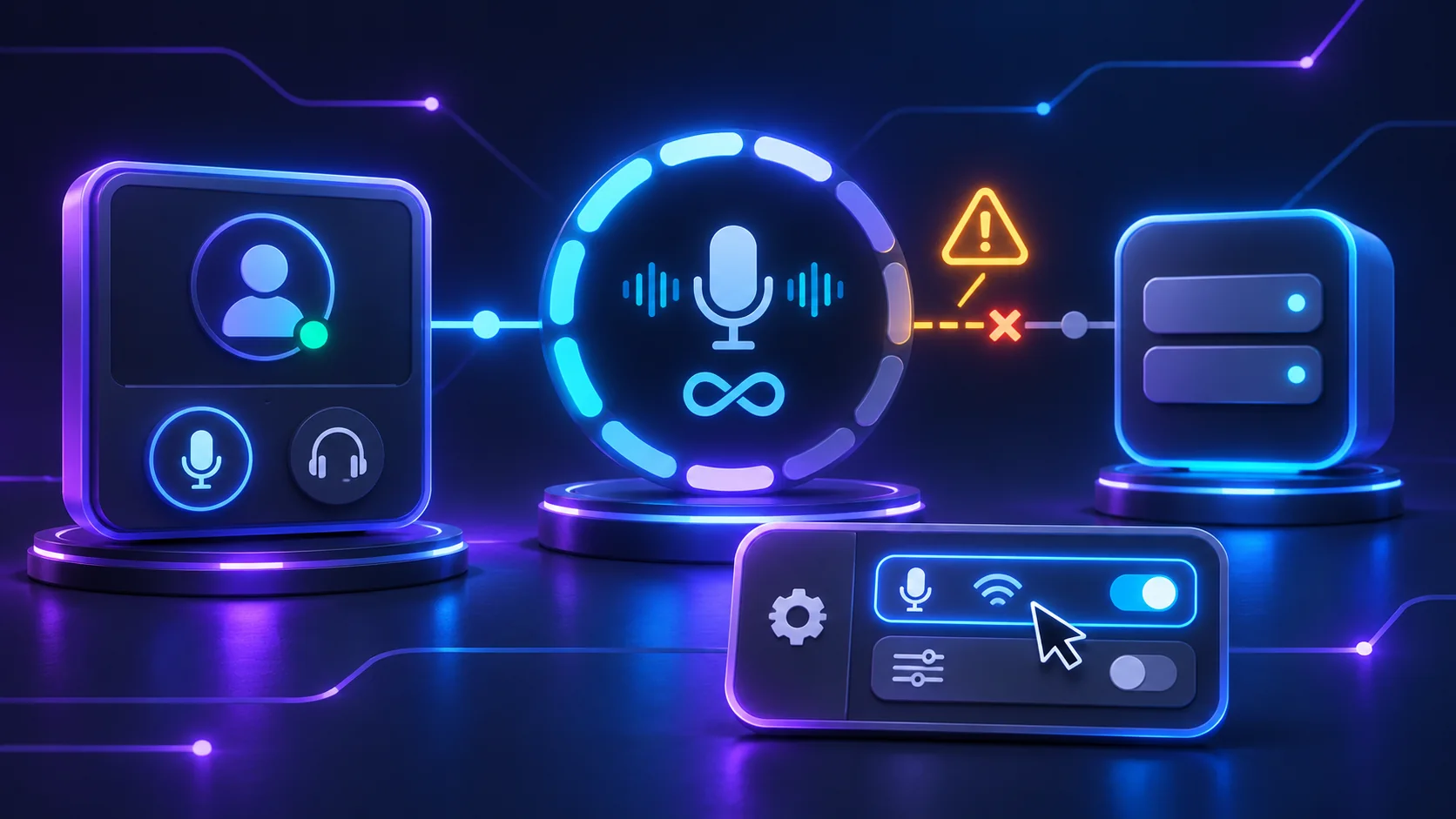
Fix Discord stuck on RTC Connecting with practical checks for your network, VPN, DNS, firewall, voice settings, router, drivers, and Discord connection issues.

Fix your Discord camera not working with practical checks for camera permissions, device selection, other apps using the webcam, drivers, Windows, macOS, and Discord settings.
Quick routes into the problems that most often stop Discord working as expected.