How to Leave a Discord Server
Learn how to leave a Discord server on desktop and mobile, what happens after you leave, how to leave a server you own, and whether you can join again later.
On this page
Leaving a Discord server removes your membership from that server. It does not delete your Discord account, other servers, friends, direct messages, or overall Discord profile. The server stays active for its owner and remaining members.
Use Discord’s native Leave Server control when you want to stop belonging to a community. If you own the server, handle ownership first. If you only want fewer alerts, muting may be enough.
What Happens When You Leave a Discord Server?
You stop being a member and lose member access to the server’s channels, conversations, and voice spaces. Its icon is removed from your joined-server list. Returning normally requires joining again through an allowed method.
Leaving changes your membership, not the community itself. Other members can continue chatting, and the server’s channels, roles, and settings remain. It also does not erase the messages you previously sent.
Before leaving a private community, consider whether you have a way back. An old invitation may no longer work, and a current member may need permission to create another one. Save important information you are allowed to keep while you still have access.
How to Leave a Discord Server on Desktop or Web
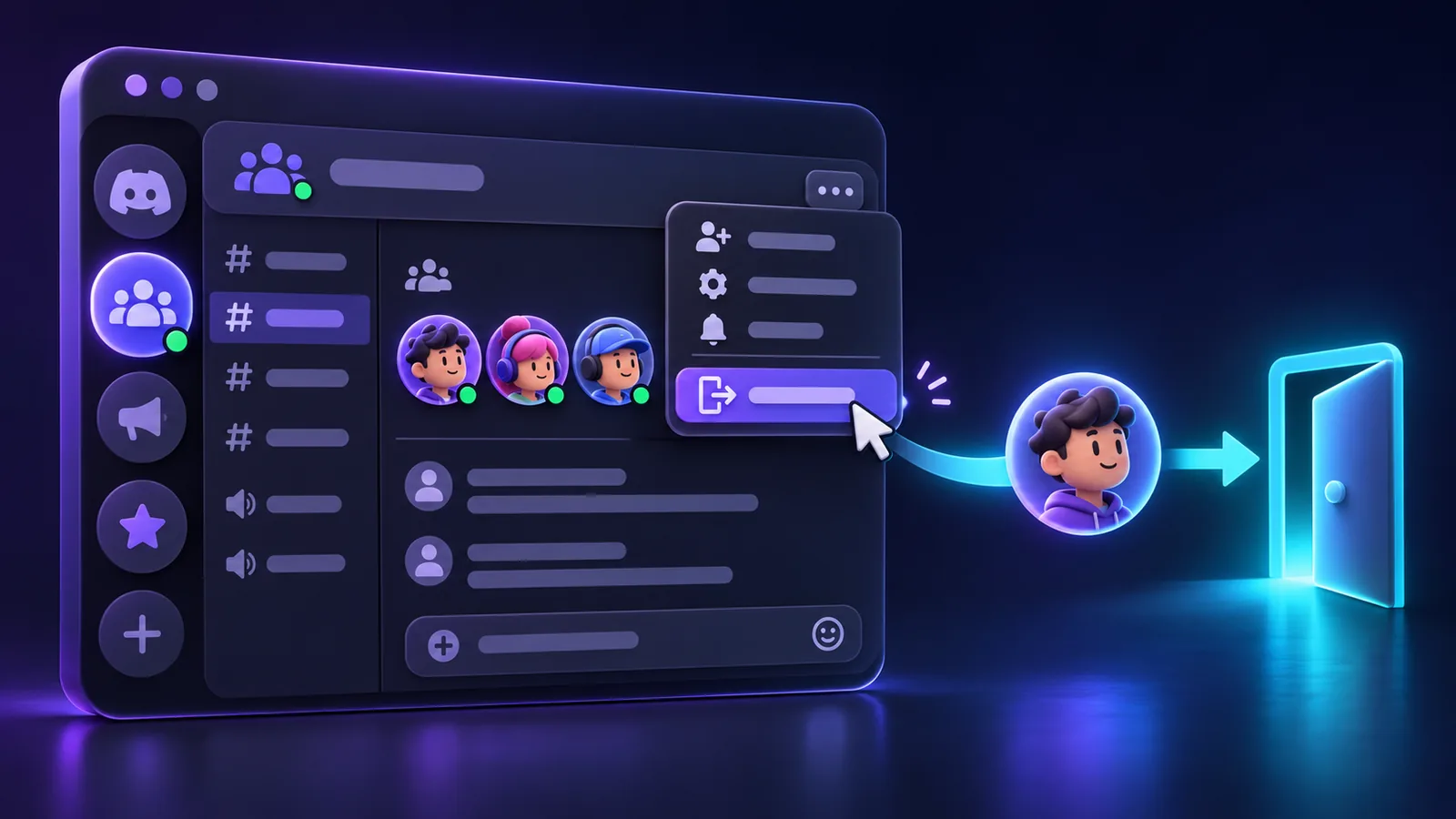
On desktop or web:
- Select the server you want to leave and check its name and icon.
- Open its server menu by selecting the server name above the channel list. You can also right-click the server icon.
- Choose Leave Server from the available server actions.
- Read any confirmation Discord displays and confirm that you want to leave that server.
- Check that it is no longer in your joined-server list.
Discord’s official server-leaving example, published in its older Guilds FAQ, documents the server-icon context menu and Leave Server action.
Follow the confirmation shown in your current client. Do not expect a particular sentence, checkbox, or number of confirmation screens. If a warning concerns deleting the whole server, stop and check which action you selected.
How to Leave a Discord Server on Mobile
On Android or iPhone, start from the server’s channel view:
- Open Discord and select the server you want to leave.
- If a conversation fills the screen, return to that server’s channel list so its header is visible.
- Tap the server name or the three-dot menu beside it to open the server’s options, depending on your app version.
- Find Leave Server among the server actions. Scroll the options panel if necessary.
- Review any confirmation shown and complete the leave action.
Check that you selected the server itself, rather than a channel or group DM. Leaving a group DM is a separate action with a different menu.
Menu placement varies by mobile version. Use the server header’s native actions. If the option is missing, check whether you own the server.
What If I Own the Discord Server?
You cannot leave while you are still its owner. To keep the community running without you, transfer ownership to another existing member, verify the handover, then leave as an ordinary member.
Giving someone an Administrator role does not transfer ownership. Use the actual ownership-transfer action, select the intended member, and complete Discord’s acknowledgment and any account-security confirmation.
Discord’s ownership transfer instructions confirm that the former owner remains a member after transferring. Leaving is therefore a separate step. See How to Transfer Discord Server Ownership for the full process and special server requirements.
If you are the only member, there is nobody to receive ownership until another person joins. If the community should close permanently instead, consider server deletion carefully.
Leave Server vs Delete Server
These actions have different consequences:
- Leave Server: removes only your membership. The server remains for everyone else.
- Delete Server: the owner permanently removes the server itself, including its server conversations and structure.
- Transfer ownership: changes who owns the existing server without automatically removing the former owner.
- Kick: an authorized moderator removes a member. A kick alone does not impose a continuing server ban.
- Ban: blocks a user from joining the server until the relevant ban is lifted.
Do not use deletion as a way to leave. Read How to Delete a Discord Server only if permanently closing the community is your intention.
What Happens to My Messages When I Leave a Discord Server?
Leaving does not automatically delete your previous messages. They generally remain in their channels for people who can still access those channels, unless the content is separately deleted or removed.
If you want to remove a particular message, use Discord’s normal message controls before leaving while you can still open the channel. Discord’s data retention guidance explains that you can edit or delete your posted content when you still have access to the space where it was posted.
After leaving, you cannot simply reopen a private channel to manage its messages. If you need help with content you can no longer access, consult Discord’s privacy guidance or contact the server’s moderators as appropriate. Do not assume account deletion or leaving will clean up the conversation for you.
What Happens to My Roles and Nickname?
Server roles grant permissions within that server. After you leave, those assignments no longer give you member access to its channels. Leaving does not delete the server’s role definitions or affect roles you hold elsewhere.
If you rejoin, do not assume your old staff role, private-channel access, or other assignments will automatically return. The server’s current onboarding, moderation decisions, and configured role systems determine what access you receive.
Your server nickname and server-specific profile settings belong to that server context. Leaving does not rename your account or change your global display name across Discord. Do not rely on a particular nickname or server-profile customization being restored after rejoining; check the settings and permissions available then.
What Happens to My Server Boost If I Leave?
If you have an active Boost applied to the server, leaving ends your contribution there. Review your account’s Server Boost settings before leaving, especially if you want to support a different community.
Discord’s official subscription streak guidance explicitly says that leaving, or being removed from, a server you were boosting triggers a seven-day cooldown before you can use that Boost again. Do not assume you can leave and immediately reapply it elsewhere.
Transferring an eligible Boost before leaving is a separate action. The Server Boosting FAQ explains transfer eligibility and warns that the original server can lose a level or additional perks when Boosts move away. See How to Transfer Discord Boosts before deciding which action to take.
Check each Boost’s current availability. This cooldown is separate from subscription renewal and Boost badge streak rules; leaving is not a subscription-cancellation method.
Does Leaving a Discord Server Cancel Nitro?
No. Nitro is an account subscription, and leaving one server does not itself cancel it. Manage renewal separately through your account’s subscription settings or purchase platform, as explained in Discord’s billing FAQ.
Separately purchased Server Boost subscriptions also need their own billing review. Removing a server membership is not a substitute for checking an active recurring subscription.
Can I Rejoin a Discord Server After Leaving?
Usually, provided the server still exists and your account is allowed to join. You need a valid invite or another join method that the community currently supports, such as an available public discovery entry.
Leaving voluntarily does not create a ban. However, you may still need to complete the server’s current rules, screening, verification, or application process. Previous membership does not guarantee approval, restored roles, or access to the same channels.
If returning matters, arrange an allowed invitation before you leave. Even a saved link is not a guarantee: an administrator can revoke it or change how the community accepts members.
What If the Invite No Longer Works?
Check these possibilities:
- The invite expired or reached its maximum number of uses.
- Someone revoked it, or the invite code was copied incorrectly.
- The server was deleted or is otherwise unavailable to join.
- Your account has reached its current server membership limit.
- A server ban prevents your account from joining.
Ask a current member or administrator for a fresh invite when appropriate. How to Create a Discord Invite Link explains expiration, usage limits, and revocation. Discord’s invalid invite guide also covers common join errors.
Can I Rejoin If I Was Banned?
A valid invite does not override a server ban. Contact the server’s moderation team through an allowed appeal route and ask whether the ban can be reviewed. Rejoining requires the relevant restriction to be lifted and the normal join requirements to be met.
Do not confuse a kick, a ban, and choosing to leave. They can all end membership, but they do not have the same effect on returning.
Can I Leave a Discord Server Without Anyone Knowing?
Do not rely on leaving being invisible. People can notice your absence, and a server may use an authorized bot to post departure messages or record membership changes.
Discord’s official documentation does not establish one universal departure-notification outcome for every server configuration. There is no basis for promising that everyone will be notified, or that nobody can find out. Server departure is also different from leaving a group DM; do not apply group-chat notification rules to servers.
Can Server Moderators See That I Left?
They may notice that you are no longer a member or see a departure recorded by a configured bot. Discord’s member removal event documentation confirms that authorized apps can receive membership-removal events for leaving, kicks, and bans.
That event alone does not distinguish those three causes. Discord’s audit log event list documents kicks and bans but does not list voluntary departure as its own administrative action. Do not assume every exit creates a native audit-log entry saying that someone chose to leave.
What Happens to DMs and Other Shared Servers?
Existing direct-message conversations are separate from server membership. Leaving does not delete the DM history or automatically unfriend the people you met there.
Whether you can continue sending messages depends on your friendship, blocking, and Discord privacy settings. If that was your only shared server and you are not friends, do not assume new messages will still be accepted. Discord’s privacy settings guide explains controls for messages from server members.
Other mutual servers are unaffected. Leaving a gaming server does not remove you from a study server you share with the same person.
How to Stop Notifications or Temporarily Step Away
If you want a break while keeping access, change your notification settings instead of leaving:
- Mute the whole server, choosing an available duration.
- Use mentions-only or fewer server notifications.
- Mute particular noisy channels or adjust channel overrides.
- Review suppression settings for everyone, here, and role mentions.
- Mute categories where supported and collapse their channel lists to reduce clutter.
Discord’s notification settings guide covers server muting, mobile controls, and channel overrides. Muting and mention suppression are separate controls, so review both if alerts continue. Collapsing a category changes its presentation; it is not a notification setting by itself.
These options keep your membership active. Discord does not provide a general pause-membership feature that reserves your old access after you leave.
Common Mistakes Before Leaving
- Deleting the entire server when you only wanted to leave.
- Expecting old messages to disappear automatically.
- Forgetting to transfer ownership before trying to leave.
- Assuming old roles or private-channel access will return on rejoining.
- Depending on an expired or revoked invite for your return.
- Confusing a voluntary departure with a moderator’s kick or ban.
- Forgetting active Boosts, their cooldown, or separate subscription billing.
Frequently Asked Questions
How do I leave a Discord server?
Open the server's options, choose Leave Server, and complete any confirmation shown. Check the server name before confirming.
Can I leave a Discord server on mobile?
Yes. On Android or iPhone, open the server's channel list, use the server header's options, and choose Leave Server.
Can I leave a Discord server I own?
Transfer ownership to another member first, then leave. Deleting the server is a separate permanent action that closes it for everyone.
What happens to my messages when I leave?
Leaving does not automatically delete them. Remove particular messages through Discord's normal controls while you still have access if needed.
Can I rejoin a Discord server after leaving?
Generally yes, with a valid invite or another allowed join method, provided the server exists and your account is permitted to join.
Will my old roles come back if I rejoin?
Do not count on it. Your access depends on the server's current role assignment, onboarding, and moderation setup.
Does Discord notify people when I leave a server?
Do not assume a universal notification rule. Configured bots can announce departures, and members or moderators may notice that you left.
What happens to my Server Boost if I leave?
It stops contributing there. Discord documents a seven-day cooldown before reusing a Boost after leaving a server you were boosting.
Does leaving a server cancel Nitro?
No. Nitro is an account subscription managed separately from your membership in an individual server.
What is the difference between leaving and deleting a server?
Leaving removes only you. Deleting is an owner-only action that permanently removes the server itself for everyone.
Related guides
Continue with another practical explanation from the guide index.
How to Delete a Discord Server
Learn how to delete a Discord server on desktop and mobile, what happens to channels and members, how ownership affects deletion, and what to check before deleting a server permanently.
How to Create a Discord Invite Link
Learn how to create a Discord invite link, choose expiration and usage limits, make permanent invites, revoke old links, and troubleshoot invite problems.

How to Enable Developer Mode on Discord
Learn how to enable Developer Mode on Discord desktop and mobile, copy user, server, channel, role, and message IDs, and understand what Developer Mode actually does.